For clubs

Bring your club operations together in one platform

MotoBuddy connects events, training days, participant administration, memberships, volunteers, payments and on-site check-in without a patchwork of separate tools.

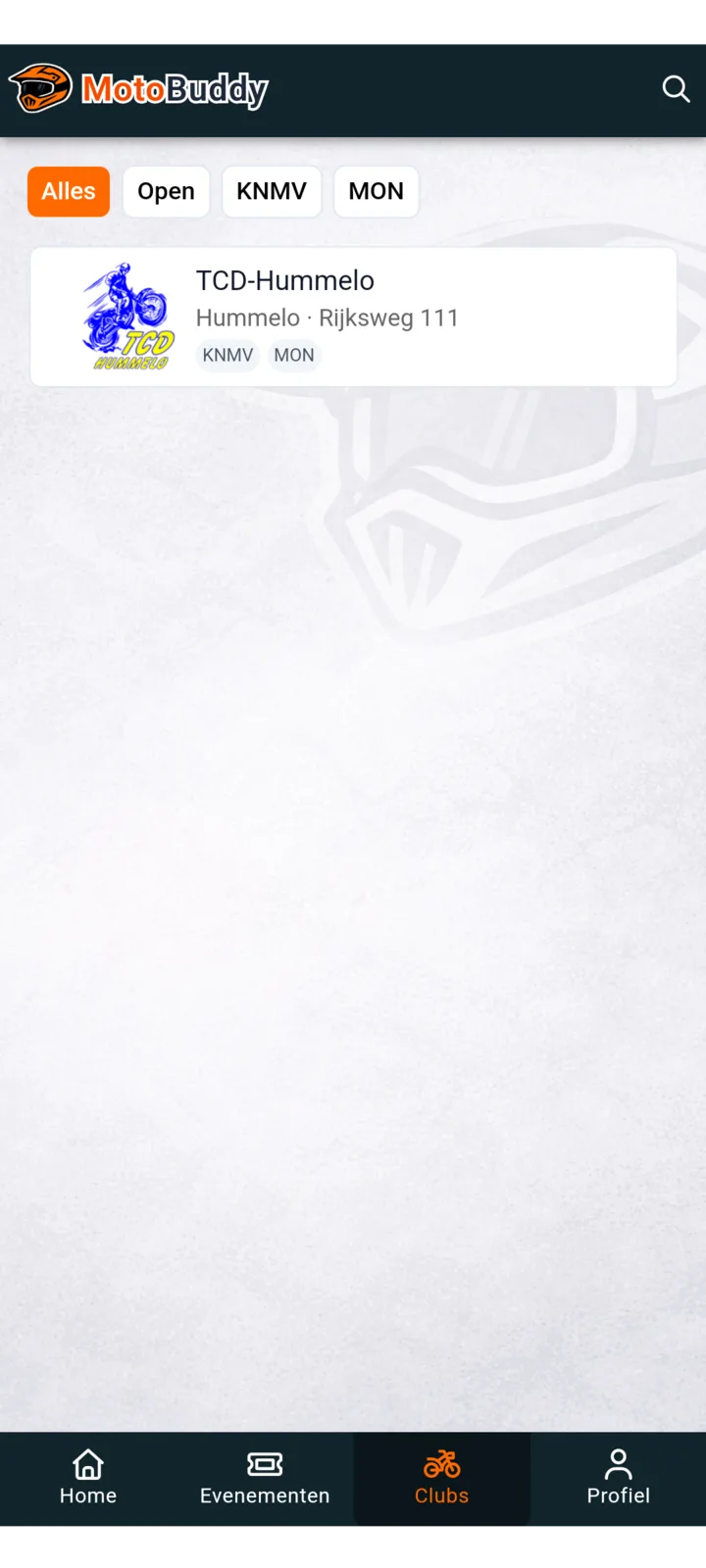
Cluboverzicht in de MotoBuddy app
Clubs in de appMemberships with your own questions

MINDER
LOS WERK

Operationele rust

For events and weekly training days

MotoBuddy supports larger event days and recurring weekly training sessions in the same setup.

Events

  1. Create event details, set capacity, and keep availability accurate during checkout.
  2. Accept paid tickets and free registrations in one flow, with payouts routed to your connected club Mollie account.
  3. Use one rider QR for fast entry at gate or paddock.
  4. Validate ticket and/or membership depending on event rules.

Weekly training

  1. Open training sessions and manage participant capacity.
  2. Riders sign up in-app, even when no ticket is required.
  3. Validate membership only when ticket validation is not needed.
  4. Use the same check-in flow so volunteers work faster.

Huidige productscope

Current club functionality

Everything below is part of the current platform scope.

Event and training setup

Create and publish events and weekly training sessions with clear details.

Participants and start numbers

Manage capacity, registration fields, tickets and start numbers, and export the participant data your team needs.

Payments and refunds

Use your own Mollie connection for sales, refunds and traceable club payouts with clear status information.

Memberships with your own questions

Sell memberships and request the fixed profile details or club-specific information needed for each membership.

Waitlists and member administration

Review waitlist applications, approve or decline them, update registration details and export current member lists.

QR check-in and scan exports

Validate tickets, memberships or both and export participants checked in on the event day.

Volunteer planning

Plan shifts, required skills and staffing per event, then invite suitable volunteers from one schedule.

Volunteer portal and club access

Volunteers respond to shifts in their own portal while administrators only see and manage the club areas they are allowed to use.

Starten met MotoBuddy

How onboarding works

Getting started is mainly operational setup. Clubs do not need a custom integration project to get started.

  1. Step 1

    Set up your club basics

    We configure your club profile, locations, training schedule, and the memberships or ticket types you want to sell.

  2. Step 2

    Connect Mollie for paid sales

    Your club connects its own Mollie account so ticket and membership payouts go directly to the club.

  3. Step 3

    Launch your first workflows

    Open your first event, training session, or membership sale and confirm the validation rules your team will use on-site.

  4. Step 4

    Prepare volunteers for the day

    Scanner access, QR checks, and member exports are ready so gate, paddock, and admin volunteers can work from one flow.

Voor jouw club

See how this works for your club

Request a demo to map your club setup for ticketing, memberships, registrations, and event and training day validation.

Request demo